
Find out more about our platform
As a leading company in legal technology, we are committed to providing educational resources and answering frequently asked questions to effectively support and inform our clients.
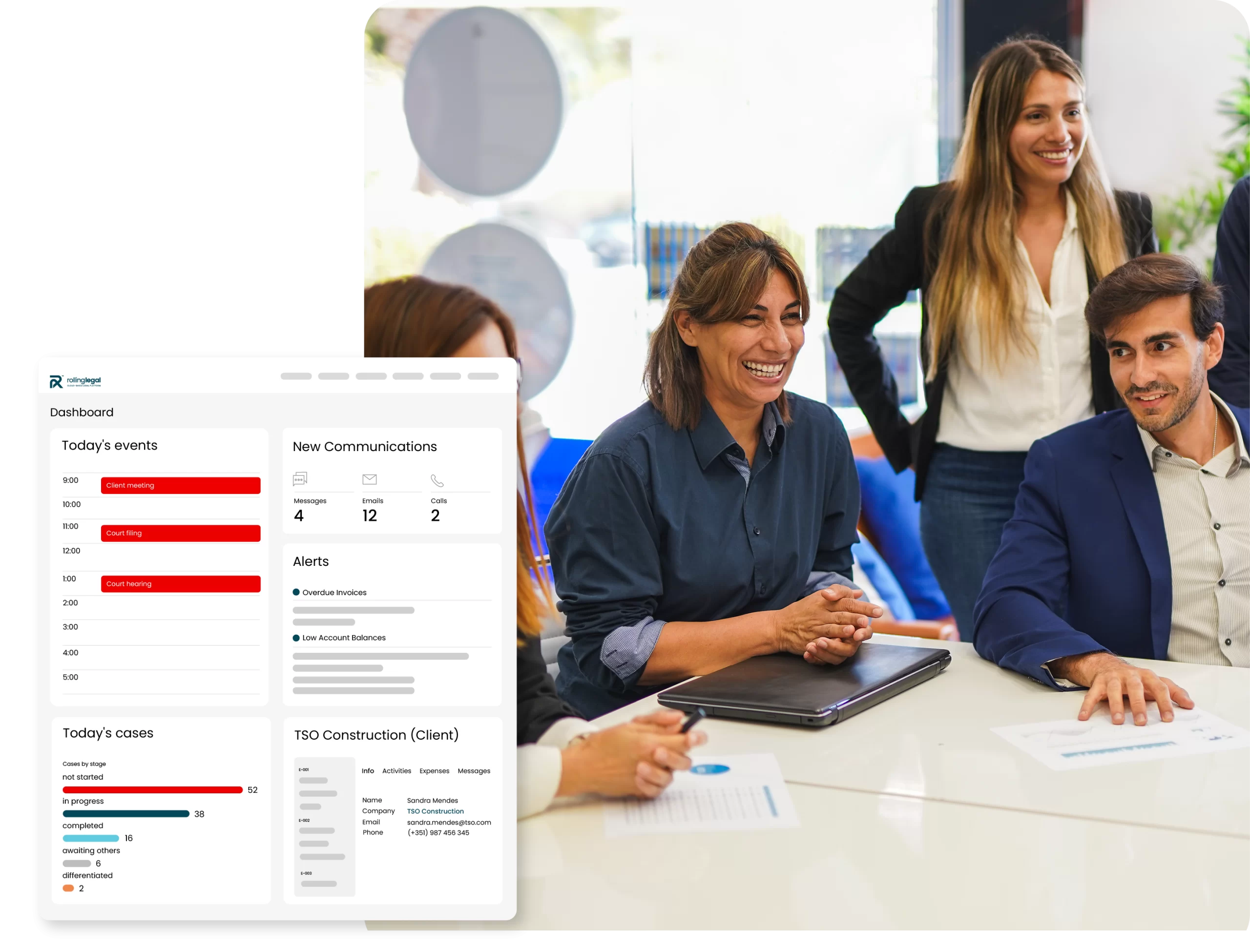
Calendar & Tasks
How does Rolling Legal organise my legal schedule?
The platform automatically aggregates procedural deadlines, tasks, events, and appointments into a single intelligent calendar, with views by user, team, or case.
Can I receive personalised alerts and reminders?
Yes, you can set up automatic alerts for tasks, meetings, deadlines, and hearings, with personalised options for each team member.
Can the calendar be shared with the team?
Yes. You can share events, assign tasks, track progress, and ensure complete alignment among all stakeholders.
Case Management
How does case management work in Rolling Legal?
Each case is created with customisable fields, automatic linking to documents, deadlines, tasks, contacts, and action history.
Can I monitor the status of each case in real time?
Yes. With dashboards and notifications, you always have clear visibility of progress, responsible parties, and next steps.
Is it possible to work as a team on the same case?
Absolutely. Multiple users can collaborate on the same case with controlled permissions and a full change history.
Chat & Email Management
Can I centralise email communications on the platform?
Yes. You can integrate email accounts and link messages directly to specific cases, clients, or tasks.
Does the platform allow internal chat between team members?
Yes, with quick chat features, per-case comments, and integrated notifications.
Can I keep a full record of communications?
Yes. All communication is logged, organised, and accessible with context, eliminating scattered exchanges and lack of traceability.
Document Management
Outras equipas jurídicas perguntam…
Yes, you can store any type of document, in any format, organising them into themed folders and subfolders.
Is there permission control and document security?
Yes. You can define who can view, edit, or delete documents, ensuring security and compliance.
Can I access documents outside the office?
Yes. The platform allows secure access to documents from any device.
Cost Savings
How does Rolling Legal reduce operational costs?
By automating repetitive tasks and centralising information, it reduces unproductive time and reliance on multiple tools.
Can I replace other tools I currently use?
Yes. Many companies replace their email, calendar, document management, and collaboration tools, optimising resources.
Does the time saved translate into greater profitability?
Yes. Less wasted time means more focus on profitable work, with clear gains in productivity and results.
Reports & Dashboards
Can I generate custom reports on the team and cases?
Yes. You can create detailed reports on productivity, deadlines, tasks, billing, and much more.
Are dashboards customisable?
Yes. You can configure dashboards by user, team, or case type, with the most relevant indicators for you.
Is it possible to export data?
Yes. You can export reports in various formats (PDF, Excel, CSV) and share them with other teams or management.
Meetings
Can I schedule and record meetings directly on the platform?
Yes. You can schedule meetings, invite participants, and link them to cases or clients.
Is it possible to record minutes and notes?
Yes. You can write minutes directly in the system, attach documents, and keep the history accessible to the entire team.
How does Rolling Legal improve meeting follow-up?
By linking meetings to tasks, cases, or contacts, it ensures effective follow-up and eliminates communication gaps.
Ready to revolutionise the way you manage your practice?
Join the lawyers who trust Rolling Legal to drive their firm’s growth while managing their cases with excellence.
 Portuguese
  English
  Spanish